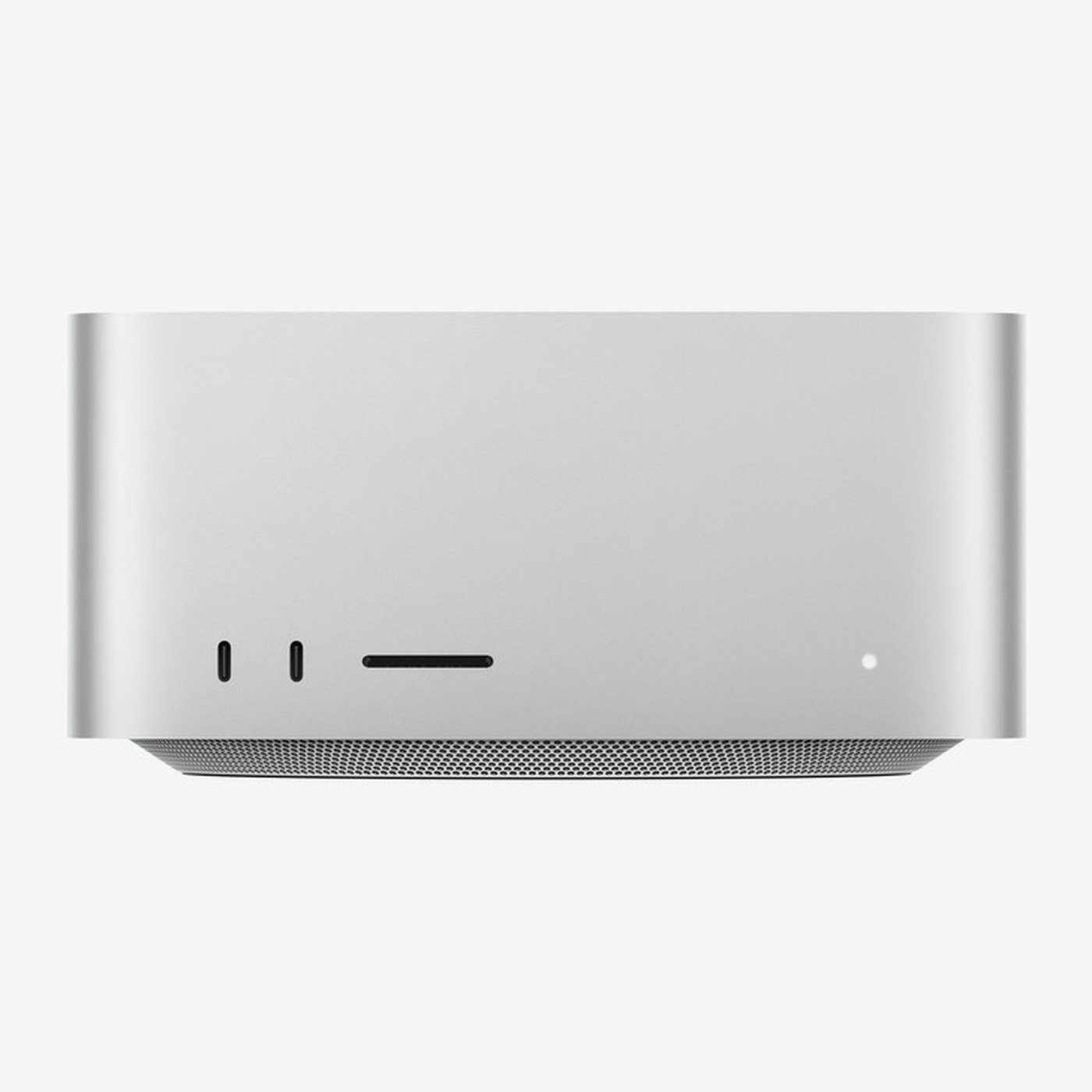



- 512GB unified memory — holds the entire model on one machine, with no splitting
- 1.2TB/s memory bandwidth — determines how fast answers are generated
- 80-core GPU and 32-core Neural Engine — handle prompt processing
- Best model it can run: GLM-5.3-Flash · AA score 41.8 (Artificial Analysis scale)
Which AI models can the Mac Studio M5 Ultra 512GB run?
Memory decides which model fits on the machine; the AA score shows how smart that model is; bandwidth decides how fast it answers. The selected configuration has 512GB of memory and 1.2TB/s of bandwidth.
| Memory | Available to the model | Best model (AA score) | What it can do |
|---|---|---|---|
| 36GB | ~27GB | Qwen3.8-27B · AA score 33.7 | Q&A over internal documents, summarizing, drafting — small teams |
| 48GB | ~36GB | Qwen3.8-27B · AA score 33.7 | Q&A over internal documents, summarizing, drafting — small teams |
| 64GB | ~48GB | Qwen3.8-27B (8-bit) · AA score 33.7 | Larger models, longer context, serving many concurrent users |
| 96GB | ~72GB | Qwen3.8-27B (8-bit) · AA score 33.7 | Larger models, longer context, serving many concurrent users |
| 128GB | ~96GB | Qwen3.8-27B (8-bit) · AA score 33.7 | Very large models, or several models side by side on one machine |
| 256GB | ~192GB | GLM-5.3-Flash · AA score 41.8 | Very large models, or several models side by side on one machine |
| 512GB | ~384GB | GLM-5.3-Flash · AA score 41.8 | Very large models, or several models side by side on one machine |
AA score: Artificial Analysis Intelligence Index v4.3.2, checked 22/10/2026 — higher means smarter; Claude Opus 5.5 scores 57.6 for comparison. Response speed and the number of simultaneous users depend on the GPU and memory bandwidth; Namtech tests on real hardware before advising.
Who the 512GB configuration is for
Small teams getting started with on-premise AI
Up to 48GB · your 512GB configuration
Q&A over your internal documents, summarizing and drafting for a small group of users. A good fit if your business is new to AI and wants its data to stay in the office.
Many users, larger models
64–96GB · your 512GB configuration
Larger models and longer context (multi-page files and contracts), serving many people asking questions on the same internal network.
Very large models or multiple models
128GB and up · your 512GB configuration
Run very large models, or several models side by side on one machine (for example, one model for Q&A and one dedicated to document processing).
There is no fixed user count per tier: it depends on the model, prompt length and how many people ask at once. Namtech measures against your real workload before you commit to a configuration.
Tech specs
| Chip | Apple M5 Ultra |
|---|---|
| CPU | 36 cores |
| GPU | 80 cores |
| Neural Engine | 32 cores |
| Unified memory | 512GB |
| Memory bandwidth | 1.2TB/s |
| Storage | 1TB |
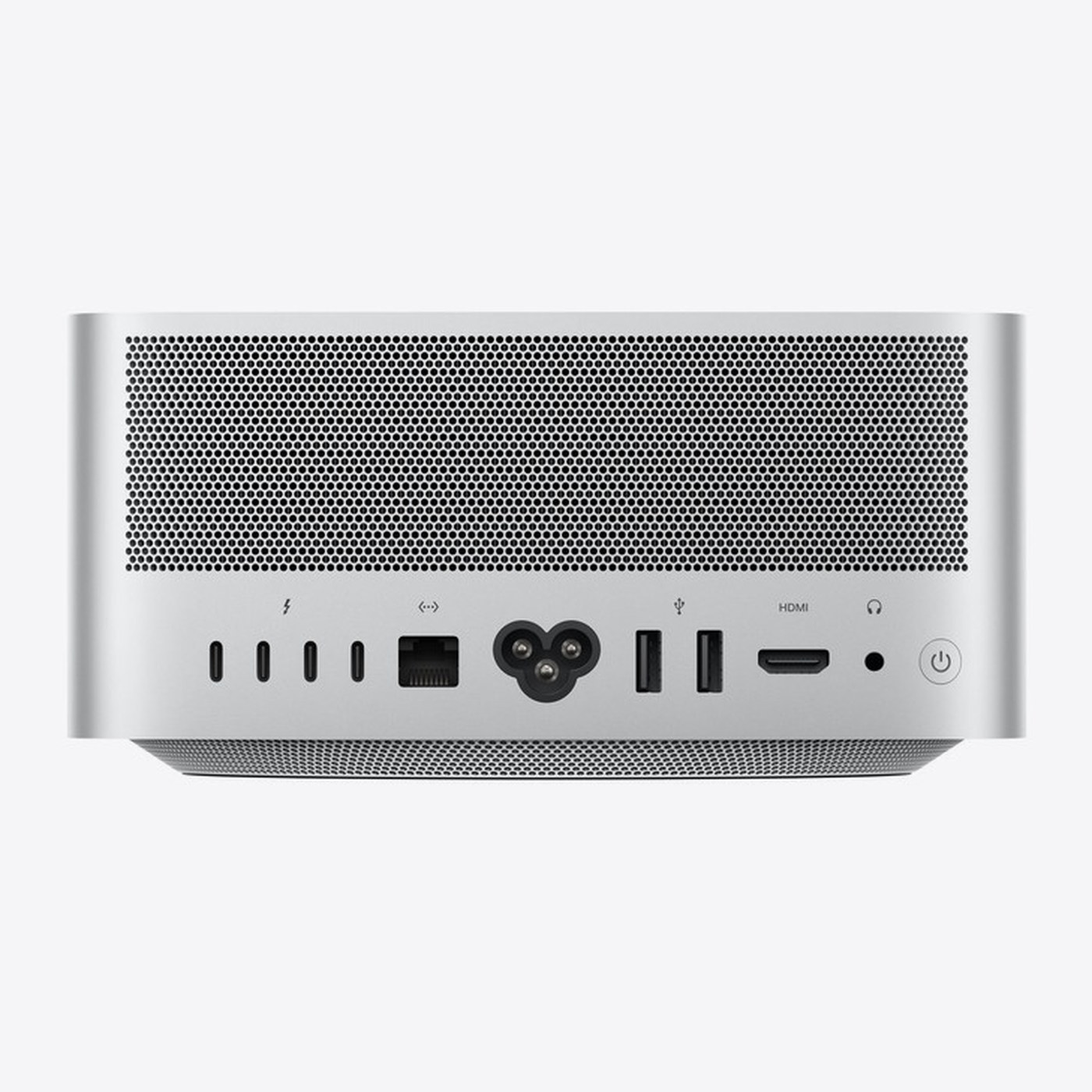
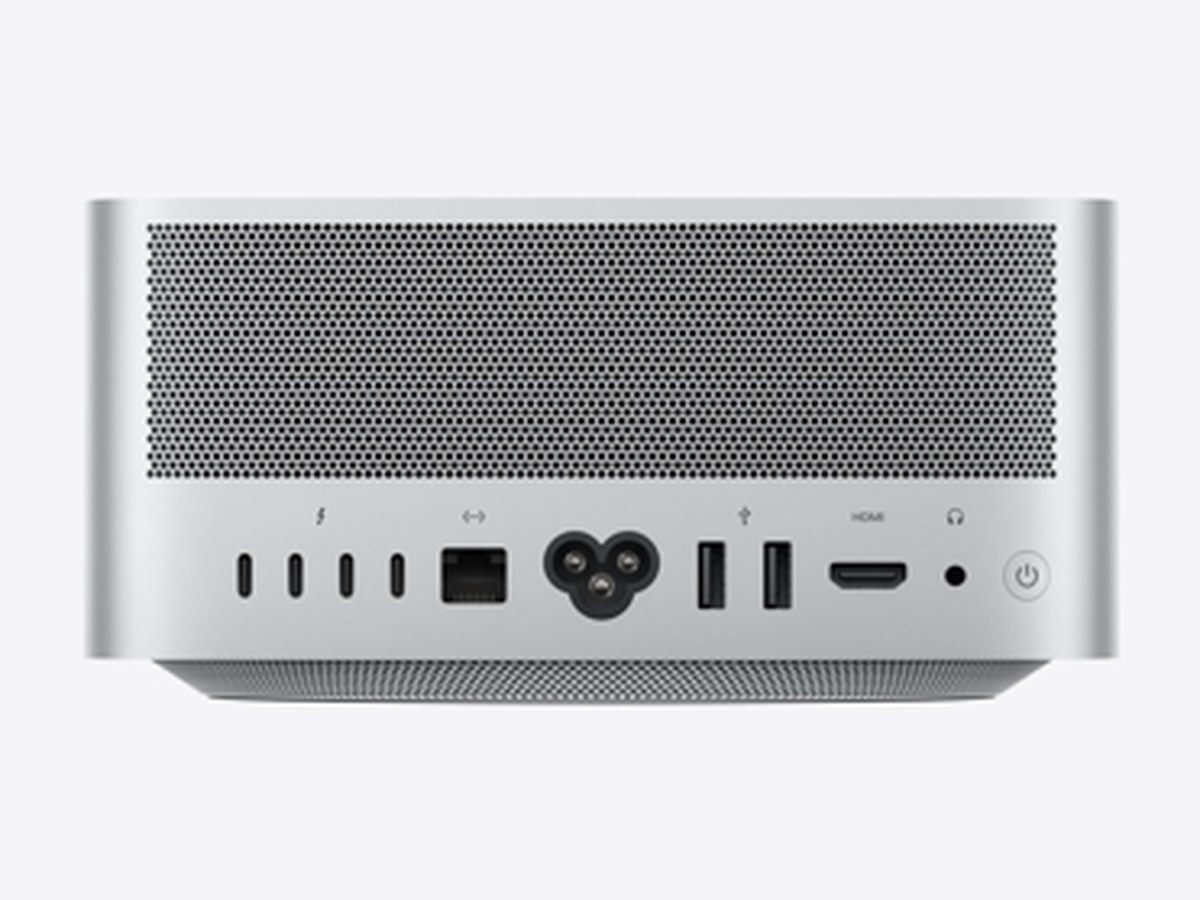
| Ports | 4× Thunderbolt 5 (USB-C, up to 120Gb/s, DisplayPort 2.1) · 2× USB-A (up to 5Gb/s) · 1× HDMI 2.1 · 1× 10Gb Ethernet (Nbase-T, RJ-45) · 3.5 mm headphone jack · Front: SDXC card slot (UHS-II) + 2× USB-C 10Gb/s (M5 Max) or 2× Thunderbolt 5 (M5 Ultra) · Wi-Fi 7 (802.11be), Bluetooth 6, Thread — Apple N1 chip |
| Display support | M5 Max: up to 5 external displays · M5 Ultra: up to 8 external displays (6K@60Hz) |
| Dimensions | Height 9.5 cm · Width 19.7 cm · Depth 19.7 cm |
| Weight | 3.6 kg |
| Power | 100–240V AC, maximum continuous power 480W · operating temperature 10–35°C |
| In the box | Mac Studio and power cord |
Specifications as published by Apple, updated September 24, 2026. Prices on this page include VAT.
Other configurations
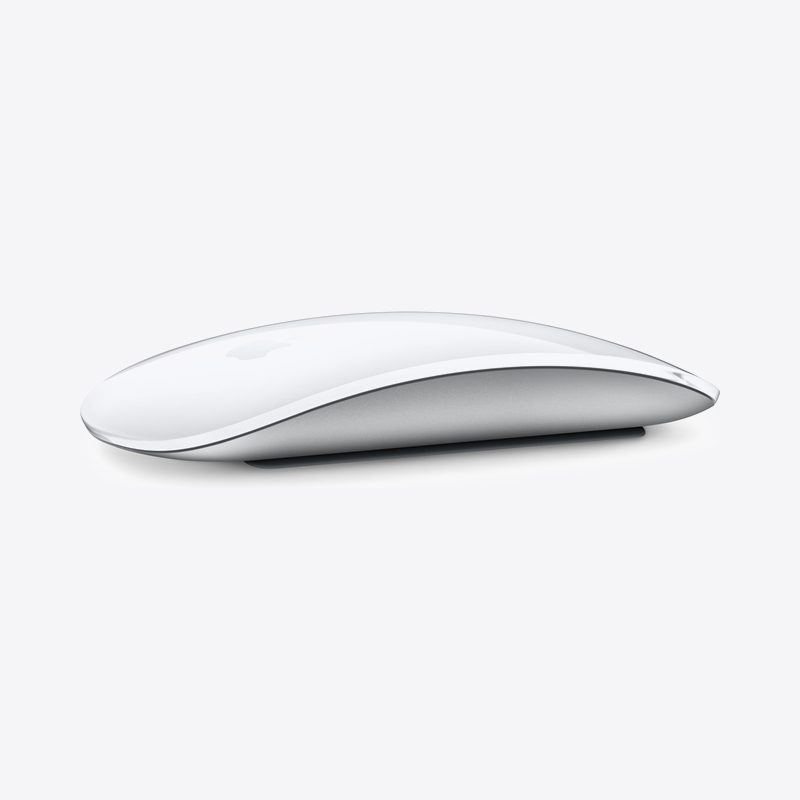
Accessories for Mac Studio and Mac mini
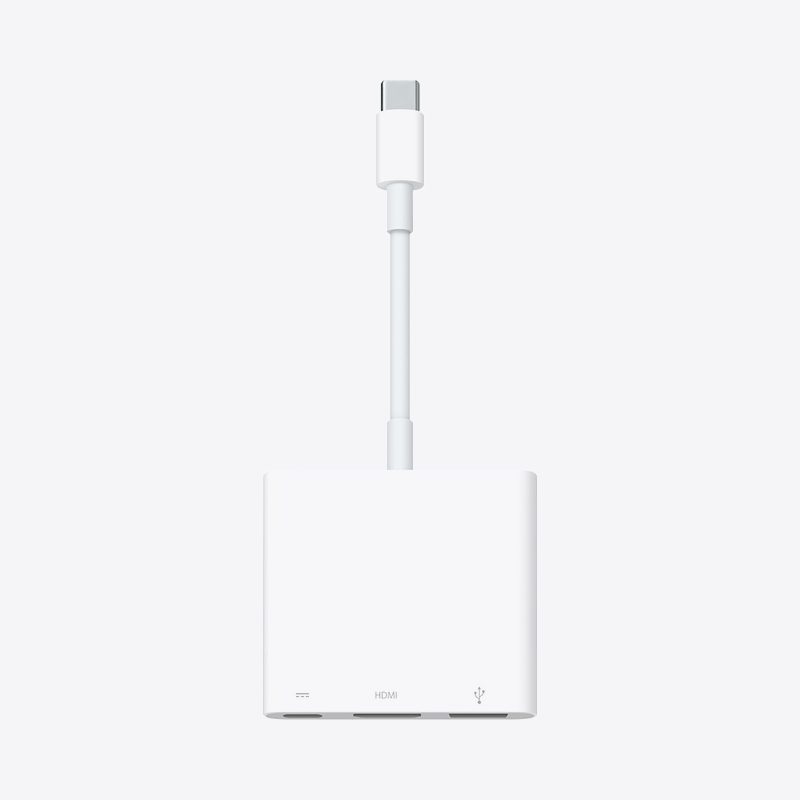
Genuine Apple keyboards, mice, trackpads, cables and Studio Display monitors compatible with Mac Studio and Mac mini. You can order them together with your Mac.
 2,190,000₫
Original price 2,220,000₫VAT included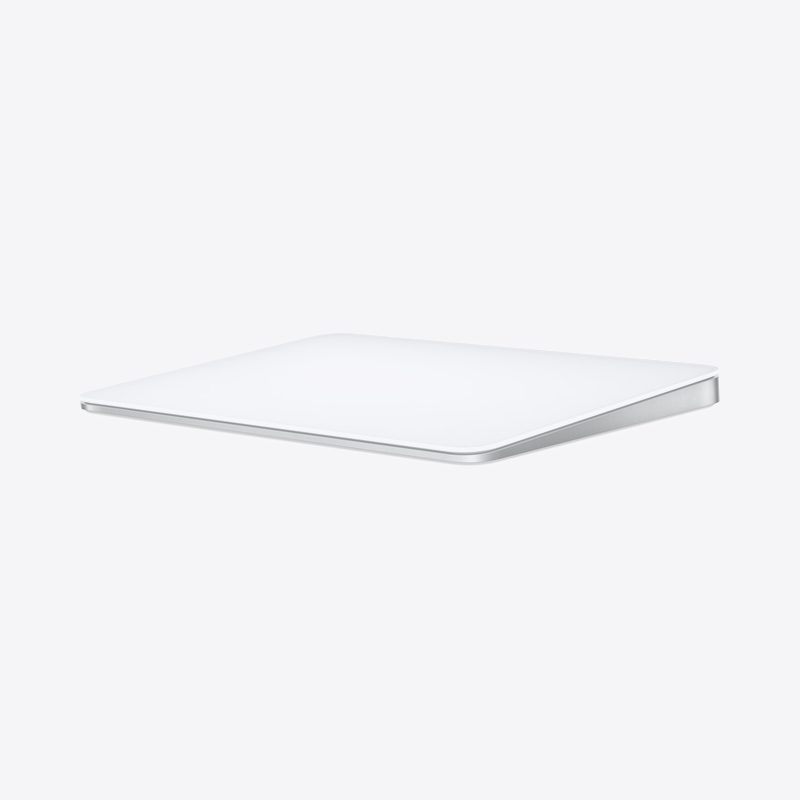 3,330,000₫
Original price 3,380,000₫VAT included 2,560,000₫
Original price 2,590,000₫VAT included 3,860,000₫
Original price 3,910,000₫VAT included 3,330,000₫
Original price 3,380,000₫VAT included 4,620,000₫
Original price 4,690,000₫VAT included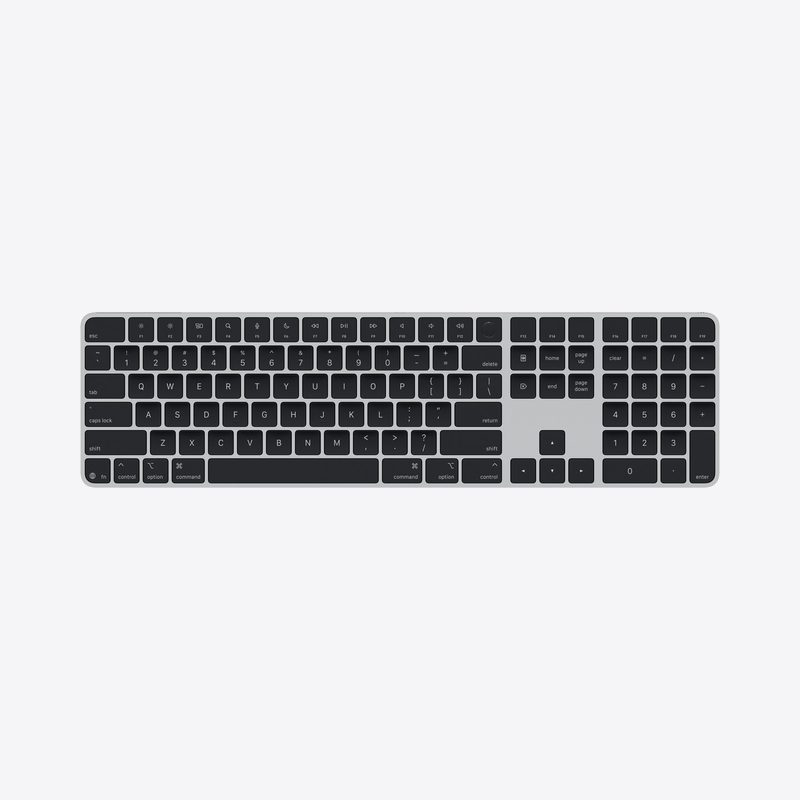 5,140,000₫
Original price 5,210,000₫VAT included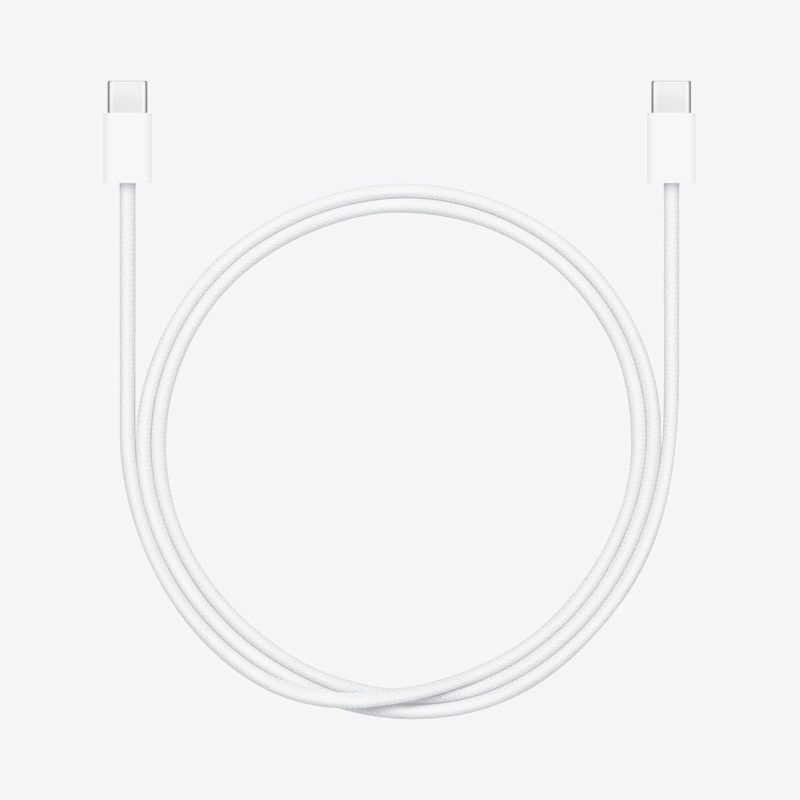 610,000₫VAT included
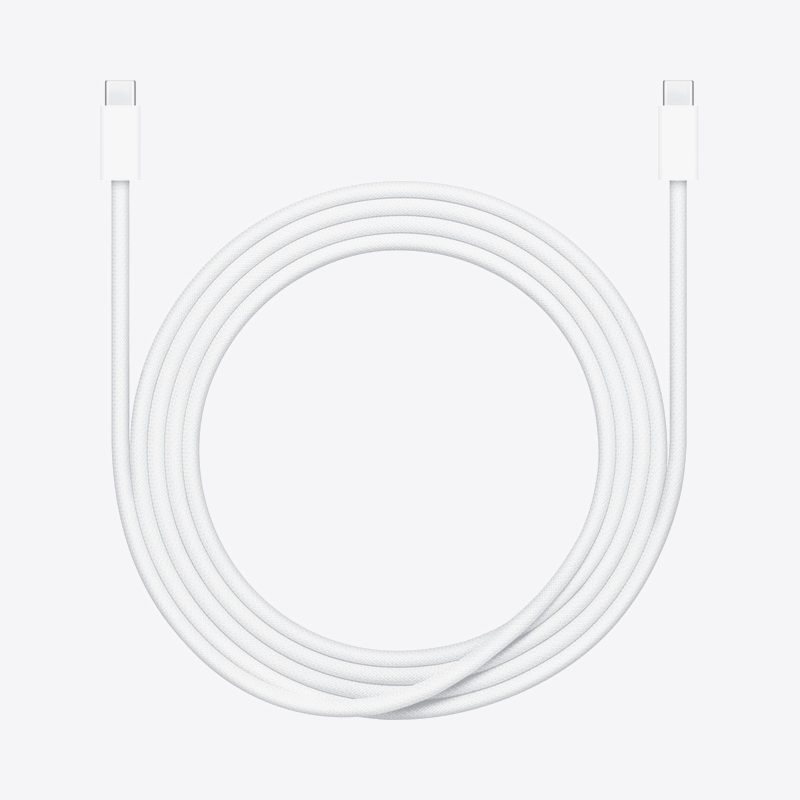 900,000₫
Original price 910,000₫VAT included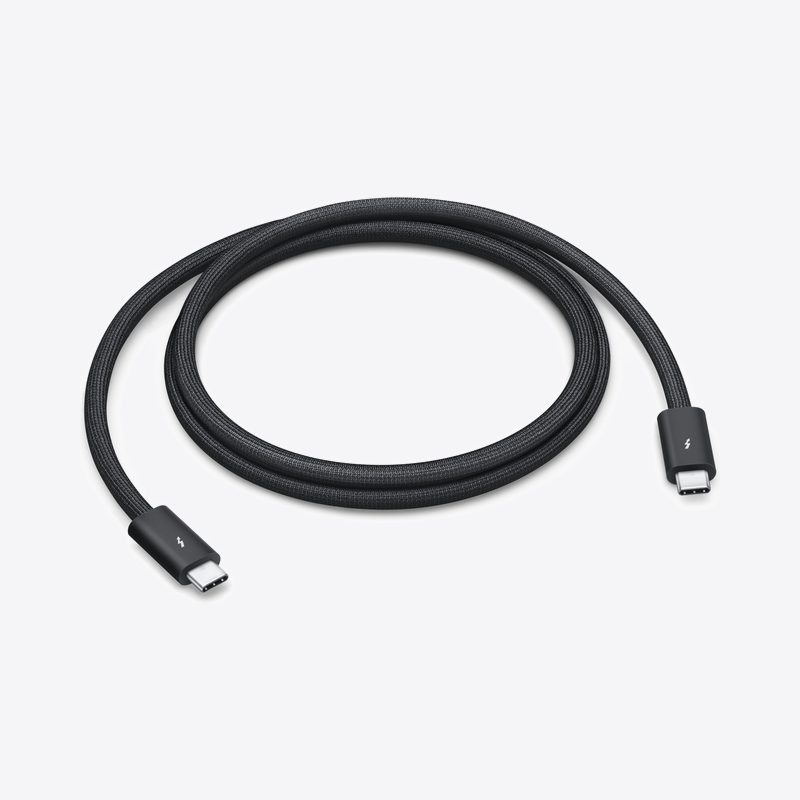 2,080,000₫
Original price 2,110,000₫VAT included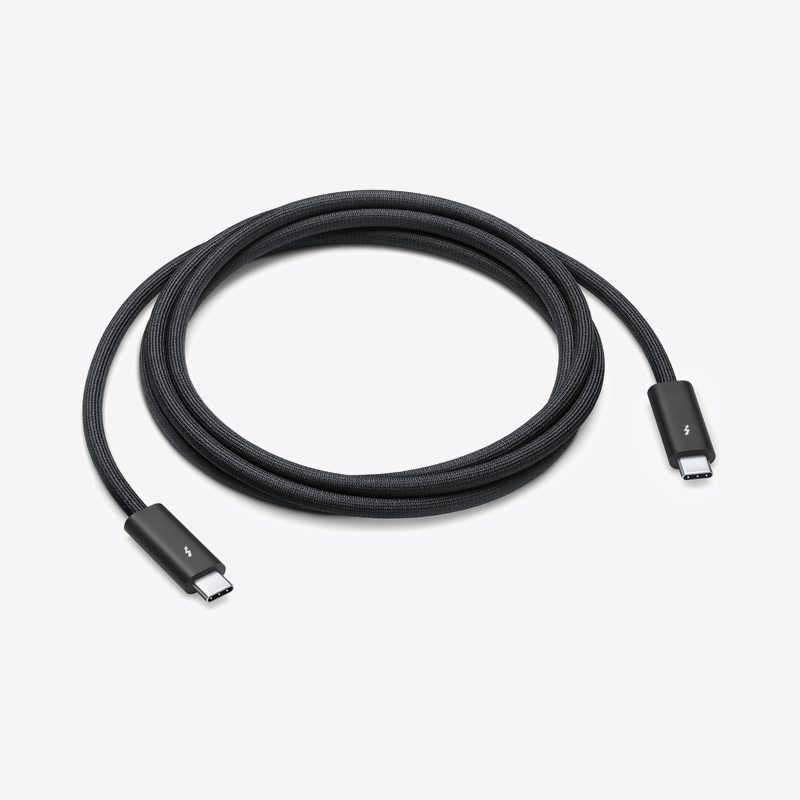 3,600,000₫
Original price 3,650,000₫VAT included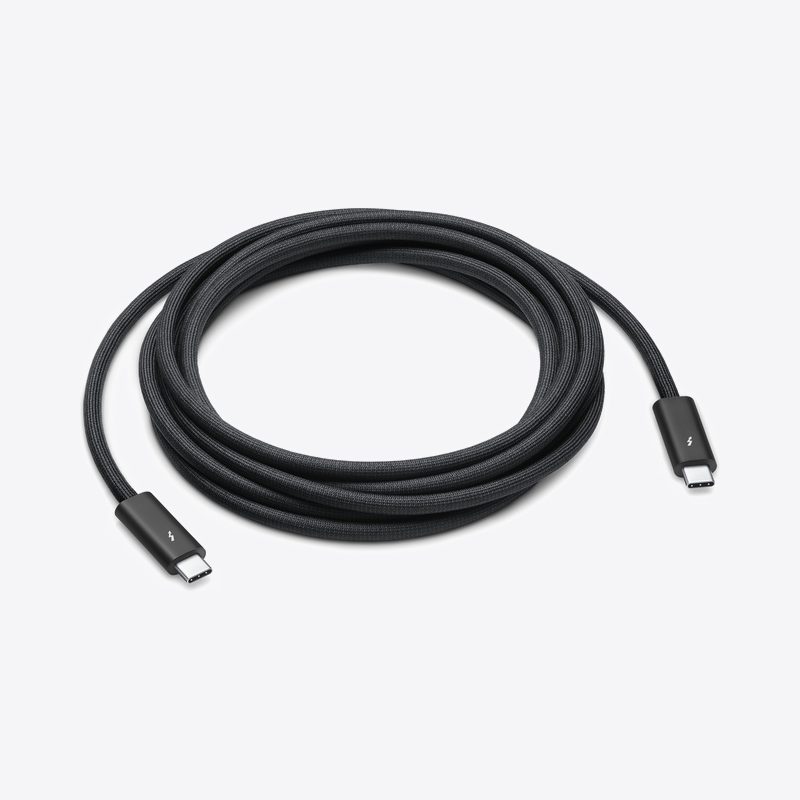 4,430,000₫
Original price 4,490,000₫VAT included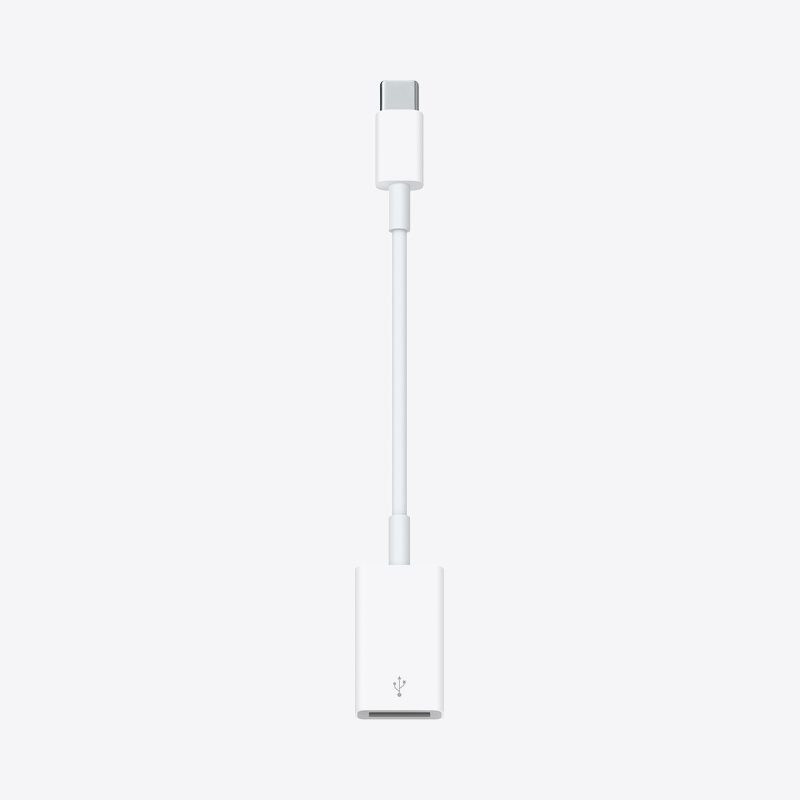 600,000₫VAT included
 2,310,000₫
Original price 2,340,000₫VAT included 50,000,000₫
Original price 50,760,000₫VAT included 61,110,000₫
Original price 62,040,000₫VAT included 50,000,000₫
Original price 50,760,000₫VAT included 58,900,000₫
Original price 59,790,000₫VAT included 70,010,000₫
Original price 71,070,000₫VAT included 58,900,000₫
Original price 59,790,000₫VAT included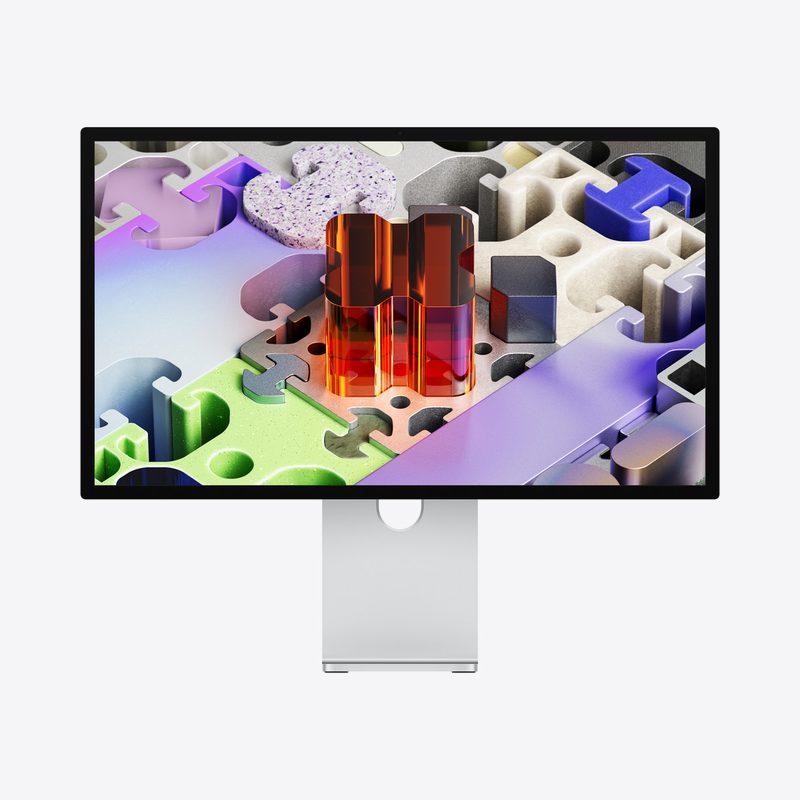 100,000,000₫
Original price 101,520,000₫VAT included 88,890,000₫
Original price 90,240,000₫VAT included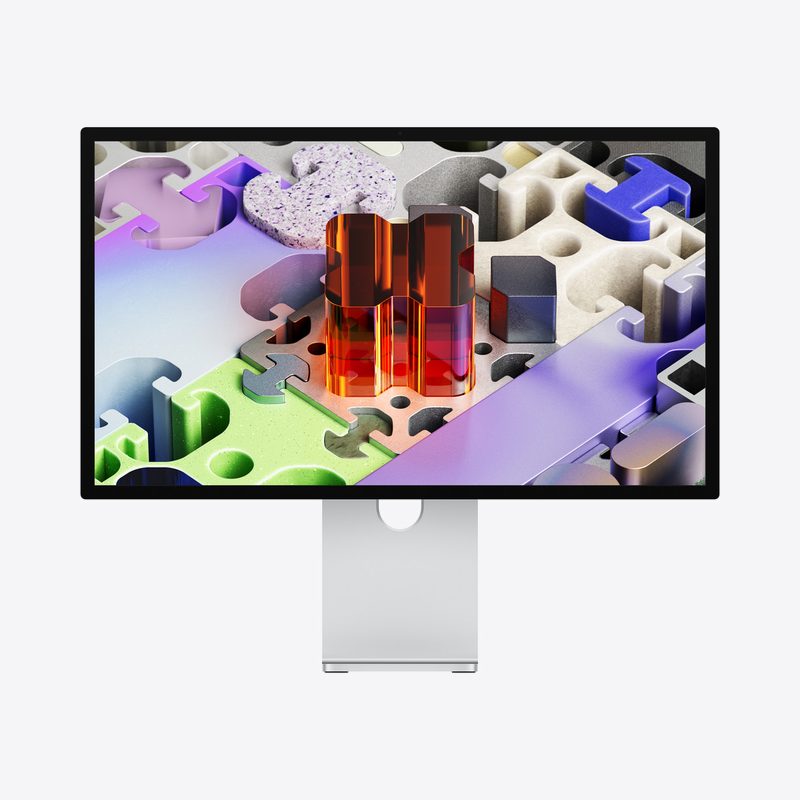 108,900,000₫
Original price 110,550,000₫VAT included 97,790,000₫
Original price 99,270,000₫VAT included
Original price
VAT included
Key specifications
What’s in the box
Compatibility
Details as published by Apple · checked September 24, 2026
Buying from Namtech vs buying directly from Apple Store
| Buy from Namtech | Buy directly from Apple Store | |
|---|---|---|
| Payment | Only a 20% deposit when the order is confirmed; the remaining 80% is paid before delivery | Full payment when ordering, even if you wait weeks for stock |
| Cancellation | Cancel before the order is confirmed: free of charge | Cancel once the order is being prepared for shipping: 20% restocking fee |
| AI advice and setup | Configuration advice based on the AI models you plan to run, help installing MLX, Ollama, LM Studio | Not offered |
| Delivery | Delivered to your door, factory-sealed; you open the seal yourself | Free delivery |
| Invoice | VAT invoice issued by Công ty Cổ phần Trạm Năng Lượng Số | Apple invoice |
| Warranty and returns | Per Apple’s policy | Per Apple’s policy |
Mac Studio M5 Ultra 36/80 512GB FAQ
Which AI models can the Mac Studio M5 Ultra 36/80 512GB run?
The best model the 512GB configuration can run is GLM-5.3-Flash, AA score 41.8. GLM-5.3-Flash at 4-bit takes about 156.8–204 GB, MIT licence. AA score: Artificial Analysis Intelligence Index v4.3.2, checked 22/10/2026 — higher means smarter; Claude Opus 5.5 scores 57.6 for comparison. Response speed and the number of simultaneous users depend on the GPU and memory bandwidth; Namtech tests on real hardware before advising.
What does the AA score of 41.8 for GLM-5.3-Flash mean?
The AA score is the Artificial Analysis Intelligence Index — a combined measure of how smart an AI model is; higher means smarter. GLM-5.3-Flash scores 41.8; for comparison, Claude Opus 5.5 scores 57.6 (Artificial Analysis Intelligence Index v4.3.2, checked 22/10/2026). Namtech shows the model name and this score instead of a model size, because a model fitting in memory does not mean it is smart enough for the job.
How many users is the 512GB configuration suitable for?
Very large models or multiple models. Run very large models, or several models side by side on one machine (for example, one model for Q&A and one dedicated to document processing). The actual number of concurrent users depends on the model and prompt length, so Namtech measures on real hardware against your workload before you commit to a configuration.
How much does the Mac Studio M5 Ultra 36/80 512GB cost?
691,100,000₫, VAT included, with the default 1TB SSD. The machine is sold and VAT-invoiced by Công ty Cổ phần Trạm Năng Lượng Số; Namtech advises on the configuration for the models you need to run. Storage can be upgraded from 1TB to 16TB, with the price updating instantly in the configurator at the top of the page.
Can I upgrade the RAM after purchase?
No. Mac Studio memory is built into the chip, so you must choose the right amount when you order. That is why you should work out the models you plan to run before you decide.