

A business with many internal documents
Procedures, contracts, files and reports, and you want staff to query them with AI without the data leaving the company.
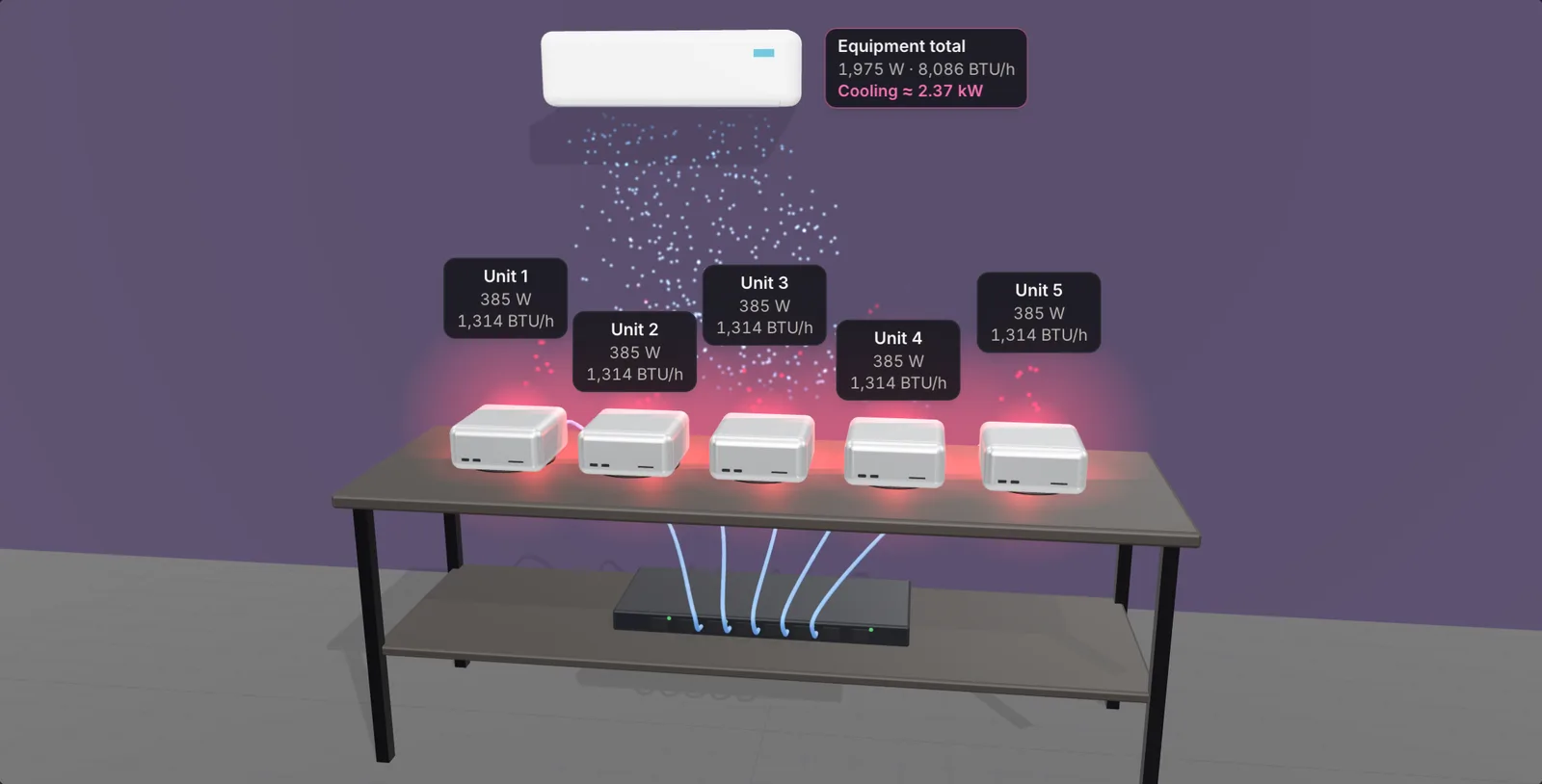
A hands-on session on Mac Studio for businesses and tech companies. You run open AI models right there, with no internet, and watch them answer over a set of sample documents.

Using ChatGPT, Claude or Gemini on company documents means sending those documents to someone else’s servers. That is why many businesses still hold back from using AI on contracts, HR files or internal figures.
Open models can run on a Mac Studio on-site. On the Artificial Analysis Intelligence Index, GLM-5.3-Flash scores 41.8, slightly ahead of Gemini 3.8 Flash (40.9). This workshop lets you check that for yourself on real hardware.
Procedures, contracts, files and reports, and you want staff to query them with AI without the data leaving the company.
You need to run open AI models for a product or project and want to see how Mac Studio handles it before choosing infrastructure.
You have been asked to bring AI into the company and need real figures to present to management.
Download and run models with MLX, Ollama or LM Studio, with no internet connection.
Have AI read a set of sample documents, then ask, summarise and search them (RAG).
Know how strong on-site models are against ChatGPT, Claude and Gemini, using Artificial Analysis scores.
Put cloud AI seats for the whole company side by side with one machine running AI in-house.
Points to watch under Vietnam’s Personal Data Protection Law No. 91/2025/QH15 when feeding documents to AI.
An open model answers questions on a machine in the room, with the internet switched off.
Each attendee downloads, runs and compares a few models on Mac Studio.
Have AI read sample documents, then ask, summarise and search. No real company documents are used.
Read the Artificial Analysis scores and pick a model for your needs.
Work out the 3-year cost and the points to watch under the Personal Data Protection Law.
Bring questions about your own company’s situation.
Draft agenda. Timings for each part are sent with the date announcement.


Fill in the form at the bottom of the page; it takes about a minute.
By phone or email, to hold your seat.
Sent by email once the schedule is set.
Covered briefly at the end of the session, for those interested.
Namtech installs, loads your documents and runs it end to end in your office.
See private AI packagesChoose a configuration for the AI models you need; Namtech advises and helps with setup.
See Mac StudioThe machine stays at Namtech and you call the model over an API, with no upfront hardware cost.
See rentalNo. The workshop is free; you just need to register in advance.
So everyone gets hands-on time on Mac Studio and can ask the engineers, rather than just listening.
In November 2026. The date, time and venue are emailed to registered attendees once the schedule is set.
No. The hands-on part uses a set of sample documents; you do not need to bring real company documents.
No. Most of the time is demo, hands-on work and discussion. At the end there is a short introduction to three ways to get started, for those interested.
To confirm your seat and send workshop information, under Namtech’s Privacy Policy.
Let Namtech know by phone or email so your seat can go to someone else.
Limited to 30 seats. Namtech will confirm with you, then email the date, time and venue once the schedule is set.
Namtech will call to confirm your seat within 1 business day. The date, time and venue will be emailed once the schedule is set.