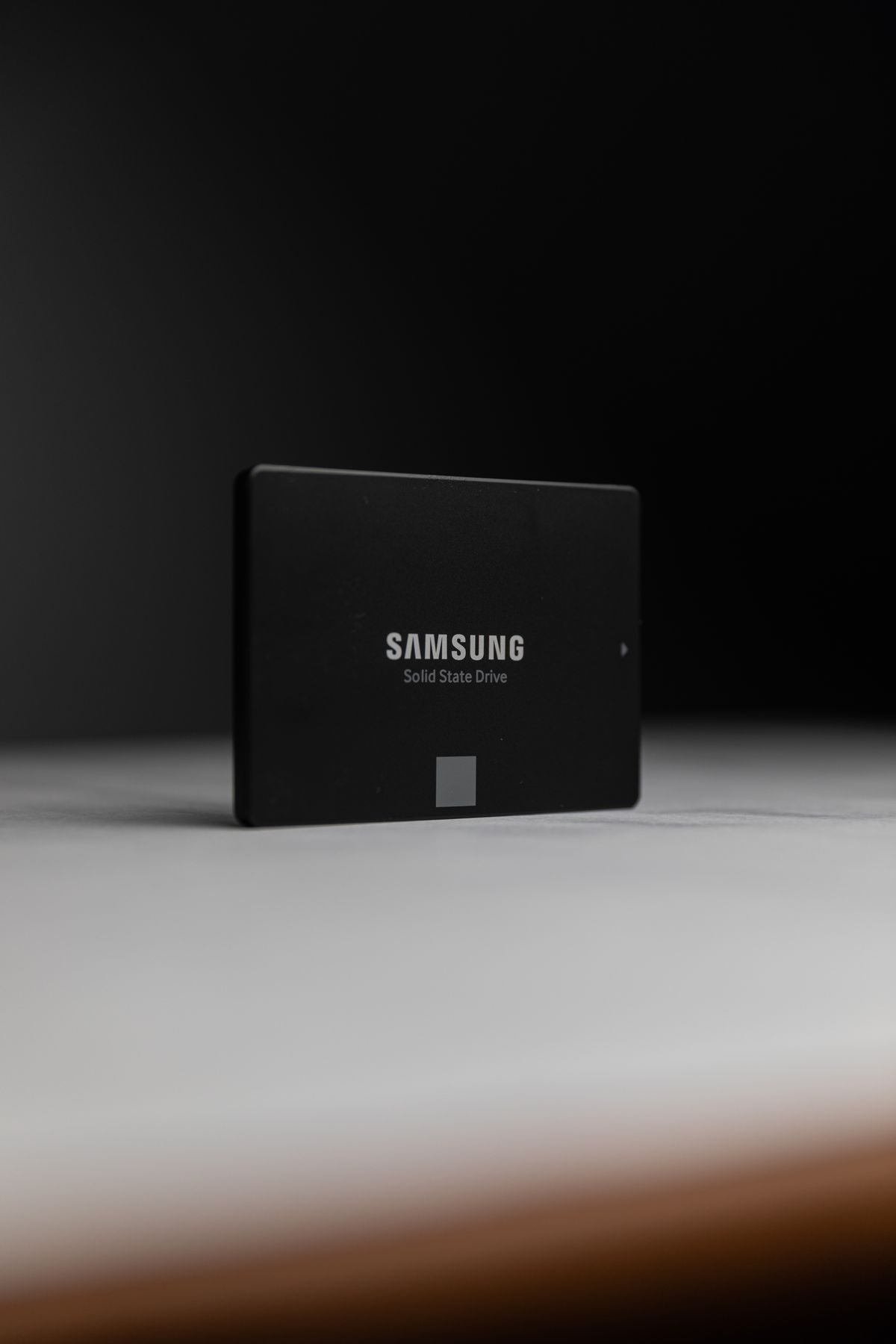
It's real. The coding tool OpenAI Codex CLI has a logging bug that makes it continuously write diagnostic data to a SQLite database on disk — according to reports on GitHub, ~37 TB in just 21 days, equivalent to ~640 TB/year. A 1TB consumer SSD typically only withstands around 600 TBW (Total Bytes Written), which means this bug can "burn through" the drive's warrantied write endurance in under a year. The news is true, but a patch reducing logging by ~85% is already available — details and how to fix it below.
Quick summary
- What: OpenAI Codex CLI (a command-line coding agent tool) writes excessive TRACE-level logs to a local SQLite file.
- Who found it: Developer @1996fanrui on GitHub, who opened issue #28224 on 14/06/2026.
- Severity: ~37 TB written in 21 days ≈ ~640 TB/year; a 1TB SSD (~600 TBW) can be worn out in < 1 year.
- Files involved:
~/.codex/logs_2.sqlite(along with-wal,-shm). - Status: Issue closed 22/06/2026 — 2 PRs (#29432, #29457) merged, reducing logging by ~85%. Update Codex to the latest version.
What happened?
On 14/06/2026, developer @1996fanrui noticed unusual disk activity and traced the culprit: OpenAI Codex CLI continuously writing to a local SQLite database at ~/.codex/logs_2.sqlite. He opened issue #28224 on the openai/codex repo.
According to the figures in the issue, after 21 days of continuous machine uptime, the main drive had to "swallow" about 37 TB of written data — extrapolating to about 640 TB per year. What stands out is that most of this data is useless to ordinary users: internal logs, raw WebSocket payloads, and trivial system events.

Why does it write so much?
The root cause is the log configuration being set to TRACE level — the "noisiest" level — as the default for the entire SQLite sink (Targets::new().with_default(Level::TRACE)). Analysis in the issue showed that TRACE-level logs accounted for up to 70.7% of stored volume, the overwhelming source being trivial events such as file tracking (the open event for ld.so.cache alone appeared 128,764 times) and WebSocket library internals.
Worse still is the phenomenon of "write amplification": the database not only balloons in size but also continuously inserts and deletes tens of thousands of rows per minute. In one 15-second sample, ~36,211 rows were inserted while the number of retained rows stayed almost unchanged; the auto-increment counter had exceeded 5.5 billion IDs despite only ~506,149 rows being kept — a discrepancy of about 10,000 times. The physical writes to the drive are therefore far larger than the file size.
One annoyance: this bug ignores the standard RUST_LOG environment variable, so users have no way to "turn down" the logging in the usual manner.
How badly are SSDs affected?
SSDs have a write limit (measured in TBW — Total Bytes Written). A common 1TB consumer SSD is warrantied at around ~600 TBW. At a rate of ~640 TB/year, this bug alone can exhaust the drive's warrantied write allowance in under 12 months — exactly as many sensational headlines claim.
Who is hit hardest: people who leave Codex running in the background continuously, or have it on a machine/laptop used all day. Note this is a risk that accumulates over time, not an instant failure; but left unaddressed for long, the consequences are real.
| Metric | Value |
|---|---|
| Measured writes | ~37 TB in 21 days |
| Extrapolated | ~640 TB/year |
| 1TB SSD write limit | ~600 TBW |
| Consequence | Exhaust warrantied write allowance in < 1 year |
| TRACE-level log share | 70.7% of stored volume |
| ld.so.cache open events | 128,764 times |
| After patch (PR #29432, #29457) | ~85% reduction in logging |
Is there a patch yet? How to check & fix it yourself
Yes there is. Issue #28224 was closed on 22/06/2026: two pull requests #29432 ("stop logging all Responses WebSocket events") and #29457 ("filter out noisy log sources") were merged, reducing logging by about 85%. The first thing to do is update Codex CLI to the latest version.
If you can't update right away, you can mitigate (per the community — for reference, weigh the risks yourself):
- Check the severity: look at the size and fluctuation of
~/.codex/logs_2.sqlite; monitor your drive's write metrics with S.M.A.R.T. tools (e.g.smartctl). - Linux/macOS: symlink
~/.codex/logs_2.sqliteto/tmp/so it writes to RAM instead of the SSD — this file contains no conversation data, so losing it on reboot is fine. - Windows: there is no simple equivalent workaround yet — prioritize updating to the patched version.
- Turn Codex off when not in use instead of leaving it running in the background all day.
Note: the file/symlink interventions are technical operations; if you're unsure, just update to the official patched version.
A perspective for businesses
The Codex incident is a reminder: AI/agent tools running on your machine can still silently cause harm if left unmonitored. A few takeaways for businesses adopting AI in operations:
- Monitor resources (I/O, disk, RAM) for every AI/agent process — set alerts for abnormal increases in disk writes.
- Control configuration & logging: know exactly what the software is writing, where, and at what level — avoid "hidden" defaults that wear out hardware.
- Be proactive about infrastructure: when you run AI on-premises, you hold full control over configuration, logging and resources — making it easy to detect and stop abnormal behavior like this.
This is also the philosophy behind Namtech's private in-house AI platform: running on the business's own infrastructure, transparent about configuration and data — not at the mercy of a third party's "black box".
Frequently asked questions
What is Codex here — is it the old 2021 Codex model?
No. This is OpenAI Codex CLI — an open-source command-line coding agent tool (repo openai/codex), not the old "Codex" API model. The bug lies in this tool's logging component.
Will this bug destroy an SSD instantly?
Not instantly. This is cumulative wear: writing ~640 TB/year can exhaust the warrantied write allowance (~600 TBW for a 1TB SSD) in under a year if left running continuously without action.
What should I do right now?
Update Codex CLI to the latest version (it has reduced logging by ~85%). You can check the size of ~/.codex/logs_2.sqlite and monitor your drive's write metrics via S.M.A.R.T. for peace of mind.
Is the 640 TB/year figure accurate?
This is a number extrapolated from the ~37 TB measured over 21 days, stated by the bug reporter in issue #28224 and cited by many tech outlets. It's a reference estimate; the actual rate depends on usage.
Bring AI into operations — under control
Namtech deploys a private in-house AI platform running 100% on your infrastructure: transparent configuration, logging and resources, with data that never leaves your organization.
Book a free consultationNote: This article is compiled from public sources as of 23/06/2026 (GitHub issue #28224 and tech press); figures are estimates and the situation may change. For reference only, not official technical advice.